




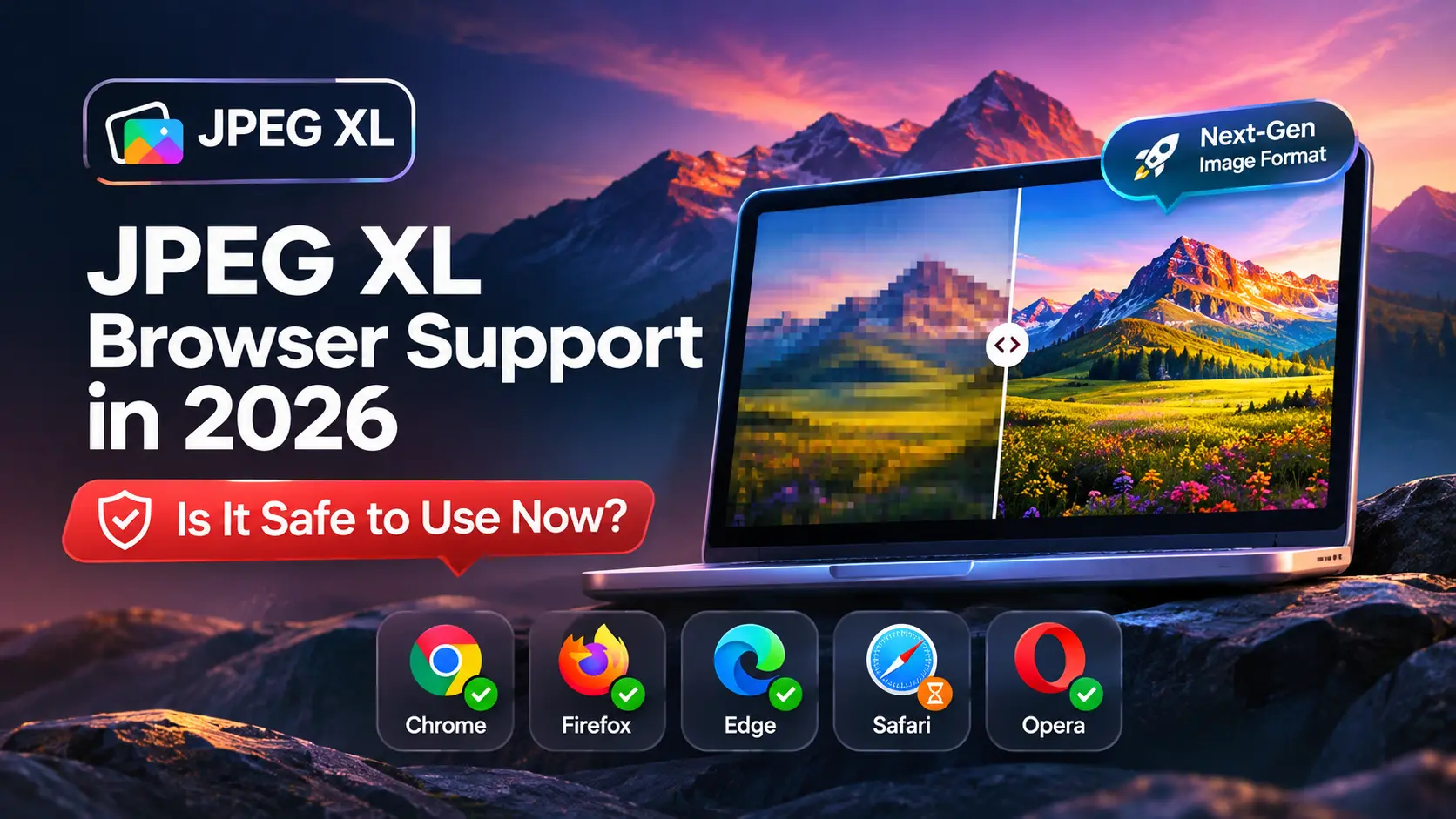
Short answer: JPEG XL browser support became practical in October 2026. Chrome 155 (announced October 6) and Firefox 158 (October 13) now decode the format by default, and Safari has offered partial support since version 17. You can use it today, but only behind a picture element that falls back to AVIF, WebP or JPEG, and the best first targets are large photographs.
Key takeaways
- Chrome 155 and Firefox 158 turned JPEG XL decoding on by default in October 2026, so two major browser engines now read it without a flag.
- Support is still not universal: Safari lacks progressive loading for it, and sources disagree about Edge, so every image needs a fallback.
- Chrome describes JPEG XL as offering 30-50% better compression than JPEG (Chrome for Developers, 2026), and the format can also repack an existing JPEG losslessly.
- A new image format does not fix a slow page by itself. Measure Largest Contentful Paint on real users before and after, and change one thing at a time.
What changed with JPEG XL browser support in October 2026?
JPEG XL spent years behind flags. In October 2026 the two main engines that had held out both shipped it. The Chrome team's post says Chrome is shipping decoding support for .jxl files from Chrome 155, and gives developer demand, including requests through the Interop Project, as the reason, according to Chrome for Developers (October 2026). The Firefox 158 release notes say the browser was first offered to release-channel users on October 13, 2026, and that it now supports JPEG XL, per Mozilla's Firefox 158 release notes (2026).
The Chrome decoder is written in Rust (a memory-safe language), a deliberate choice because image decoders are a common attack surface. The Chrome team says it has found no memory safety bugs in the implementation's history, a vendor statement based on its own fuzzing and review, so treat it as the team's claim rather than an audit.
Which browsers support JPEG XL today?
Support depends on the browser and the version. The table summarizes the Can I Use and MDN entries as read in November 2026; check both again before you ship, because versions are moving.
BrowserJPEG XL statusNotes Chrome (desktop)Supported from 155Earlier versions had it disabled or unsupported Firefox (desktop)Supported from 158Earlier versions had it disabled by default SafariPartial, from 17No progressive download; an image renders only after the full file arrives Chrome and Firefox on AndroidChrome 157 and Firefox 160 per Can I UseOlder mobile versions will not decode it EdgeUnclearCan I Use lists no supported version; MDN's summary names Edge but gives no version. Test it directly These entries come from Can I Use: JPEG XL (2026) and MDN: Image file type and format guide (2026). MDN itself says browser support is not yet universal and recommends a fallback such as AVIF, WebP or JPEG.
What does JPEG XL do that AVIF and WebP do not?
The difference is not a single headline number. According to MDN, JPEG XL is an ISO/IEC 18181 standard with lossy and lossless modes, progressive decoding, HDR and wide color gamut, transparency and animation. It can also transcode an existing JPEG losslessly, so the original file can be rebuilt from the JPEG XL version. MDN says AVIF does not support progressive rendering. AVIF and WebP cover transparency, animation and HDR as well, so those are not reasons to switch on their own.
Chrome's own guidance is to try both AVIF and JPEG XL, and that JPEG XL suits high-fidelity or lossless photographs and cases where fine-grained progressive loading matters, per the Chrome for Developers post cited above. That is more useful than a blanket "it is smaller" claim, because results vary by image and by encoder settings.
Where it is most likely to help
- Large product or editorial photography where visual quality matters and files are heavy.
- Existing JPEG libraries where you want smaller files without re-encoding artifacts, using the lossless transcode path.
- Slow connections, where progressive rendering shows a usable image early, though Safari will not show it progressively.
How do you serve JPEG XL safely?
Use the HTML picture element so each browser picks a format it understands. MDN's documentation for the picture element says a source whose type the browser does not support is skipped, and the img element is used when nothing matches, per MDN: The picture element (2026). A typical pattern:
<picture>
  <source srcset="photo.jxl" type="image/jxl">
  <source srcset="photo.avif" type="image/avif">
  <source srcset="photo.webp" type="image/webp">
  <img src="photo.jpg" width="1200" height="800" alt="Describe the image">
</picture>
A short rollout sequence keeps risk low:
- Pick five to ten of your heaviest above-the-fold or gallery images, not the whole site.
- Produce JPEG XL, AVIF and WebP versions and compare them visually at the sizes you actually serve.
- Keep the JPEG as the final fallback, and always set
widthandheighton theimgso the layout does not jump. - Check the page in Safari, Edge and a current Android browser, not only Chrome.
- Compare real-user performance data for two to four weeks before extending it.
If you use an image CDN or plugin, check whether it already negotiates formats automatically. The web.dev roundup says Firefox 158 adds image/jxl to the default image Accept header, which lets servers choose a format per request, in web.dev: New to the web platform in October (2026). If you negotiate formats on the server, make sure caches vary on that header, or users may receive a file their browser cannot read.
Will JPEG XL improve your Core Web Vitals?
Possibly, but only if images are what slows your page. Largest Contentful Paint (LCP) measures when the biggest visible element finishes rendering, and large images are usually that element. Google's guidance defines a good LCP as 2.5 seconds or less, poor as above 4.0 seconds, assessed at the 75th percentile of page loads, in web.dev: Largest Contentful Paint (2026).
That means a smaller file helps when download time is the bottleneck, but not when the delay comes from a slow server response, render-blocking scripts or a late-discovered hero image. Fix the biggest cause first. Our website speed optimization service starts with measuring where the time goes, and the infrastructure checklist for multi-country sites covers the hosting side.
Should you adopt JPEG XL now or wait?
Your situationReasonable move Photo-heavy store or portfolio with an existing image pipelinePilot JPEG XL on the heaviest images, with AVIF, WebP and JPEG fallbacks Site on a managed platform with automatic image optimizationWait for the platform to add it; confirm how it handles fallbacks Small brochure site with a few light imagesSkip it; compress images, size them correctly and lazy-load below the fold Large JPEG archive you cannot re-shootTest lossless transcoding, keeping the originals until you verify it For a store with many product photos, image weight is often the first place to look, and the checkout and conversion guide for international stores pairs well with this pilot. If you want help running one, the e-commerce development team at Alive Inc. builds image pipelines as part of a project.
What mistakes should you avoid?
- Serving only JPEG XL. Some visitors still use browsers without support.
- Judging by file size alone. Check quality at your display sizes, and measure field data, not a single lab test.
- Forgetting the cache. Content negotiation without proper cache rules can serve the wrong format.
- Skipping alt text and dimensions. Format changes do not replace accessible, stable image markup.
- Re-encoding lossy files repeatedly. Convert from the highest-quality original available.
Frequently Asked Questions
Does Chrome support JPEG XL?
Yes, from Chrome 155, released in October 2026. Earlier versions kept it behind a flag or did not support it. Chrome's team says it ships decoding support, so you can display .jxl files, but you should still provide a fallback for visitors on older browsers.
Does Firefox support JPEG XL?
Yes, from Firefox 158, first offered to release-channel users on October 13, 2026. Mozilla's release notes say the browser now supports the format. Earlier Firefox versions had it disabled by default, so users who have not updated will not see JPEG XL images.
Is JPEG XL better than AVIF or WebP?
It depends on the image and the goal. JPEG XL offers progressive decoding and lossless JPEG transcoding, which MDN notes AVIF lacks in progressive form. AVIF and WebP have wider browser support today. Chrome advises testing both AVIF and JPEG XL rather than assuming one always wins.
Do I need to convert all my images to JPEG XL?
No. Start with the few largest photographs, serve them through a picture element with AVIF, WebP or JPEG fallbacks, and compare real-user performance for a few weeks. Small icons, logos and simple graphics rarely justify a new pipeline step.
Sources
- Chrome for Developers: Shipping JPEG XL in Chrome (2026)
- Chrome for Developers: Chrome 155 beta (2026)
- Mozilla: Firefox 158 release notes (2026)
- MDN Web Docs: Image file type and format guide (2026)
- MDN Web Docs: The picture element (2026)
- Can I Use: JPEG XL image format (2026)
- web.dev: New to the web platform in October (2026)
- web.dev: Largest Contentful Paint (2026)