India
 Global
 UAE
 Nigeria
 Singapore
 Kuwait
 Monaco
 Qatar
 Belgium
 Netherlands
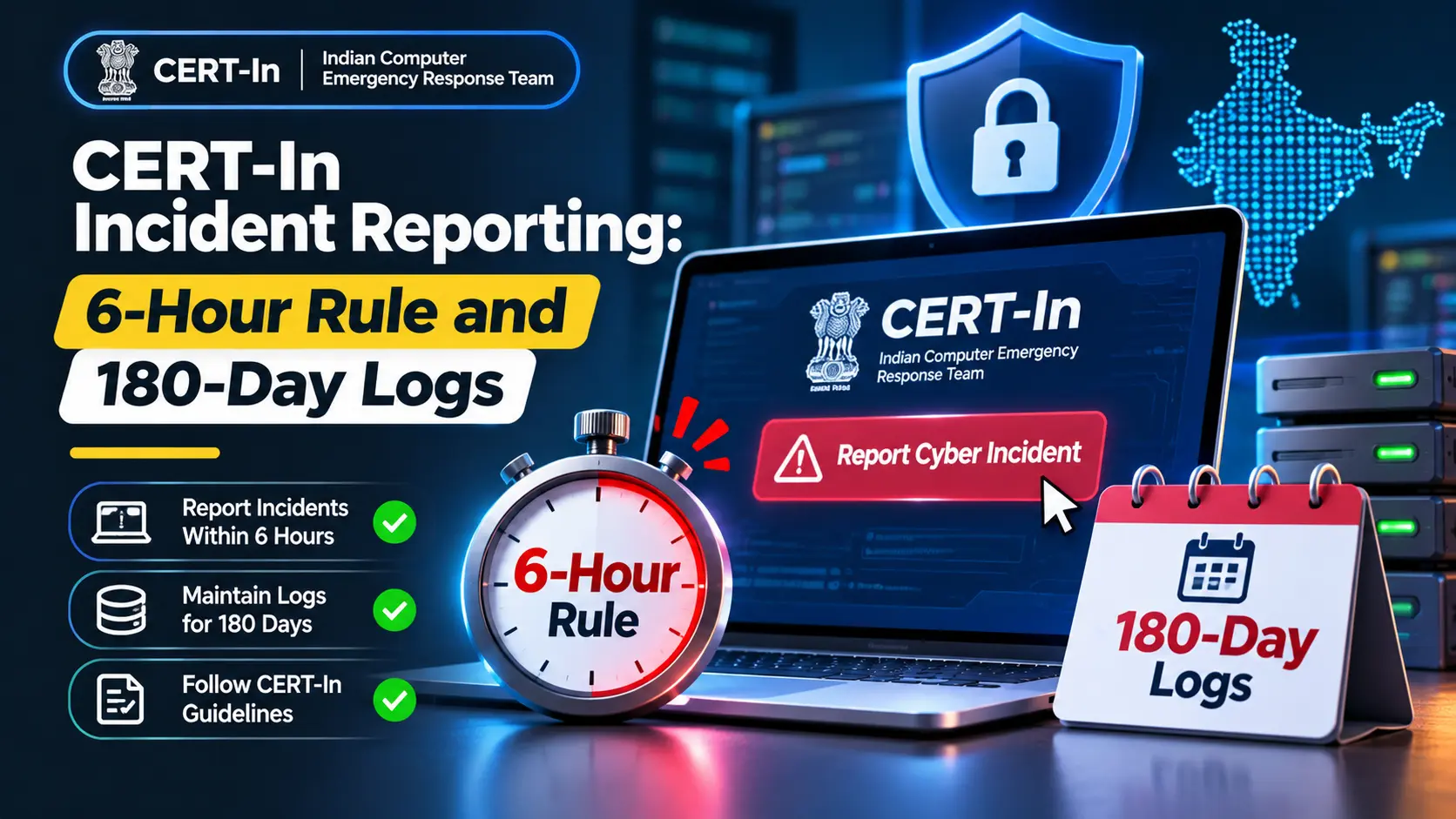
Short answer: CERT-In incident reporting means telling India's national cyber agency about listed incidents, such as a hacked website, data leak, ransomware or phishing, within 6 hours of noticing them. The same 2022 directions require a named point of contact, logs from all ICT systems kept for a rolling 180 days, and clocks synchronised to an approved time source.
Key takeaways
- The directions cover service providers, intermediaries, data centres, government bodies and any body corporate, which includes companies, firms and sole proprietorships.
- The 6-hour clock starts when you notice an incident or someone brings it to your notice, and a partial first report is acceptable.
- Logs of all ICT systems must be enabled and kept securely for a rolling 180 days, and handed over with a report or when CERT-In asks.
- Reporting cannot be passed to your hosting company or agency by contract: whoever notices the incident must report it.
What do the CERT-In directions require?
The Indian Computer Emergency Response Team (CERT-In), part of MeitY, issued directions under section 70B(6) of the IT Act on 28 April 2022, effective 60 days later. They contain four duties that matter to an ordinary business running a website or app, as set out in the CERT-In Directions (2022):
- Synchronise the clocks of all ICT systems with the NTP servers of NIC or NPL, or with servers traceable to them.
- Report the incident types listed in Annexure I within 6 hours of noticing them.
- Designate a point of contact to deal with CERT-In and send its details in the Annexure II format.
- Enable logs of all ICT systems, keep them securely for a rolling 180 days within Indian jurisdiction, and provide them with an incident report or on request.
Further duties apply to data centres, VPS, cloud and VPN service providers (customer records kept for five years) and to virtual asset businesses (KYC and transaction records). As of November 2026 these 2022 directions remain the core CERT-In reporting rule; check CERT-In's website (2026) for any newer version of the reporting formats.
Does CERT-In incident reporting apply to my business?
Very likely. CERT-In's FAQ says "body corporate" takes its meaning from section 43A of the IT Act: any company, including a firm, sole proprietorship or other association of individuals in commercial or professional activity. It adds that the directions apply to any entity in the matter of cyber incidents, including firms serving Indian users from abroad, while individual citizens are not covered, according to the CERT-In FAQs on the Cyber Security Directions (2022).
So a D2C brand in Mumbai, a clinic chain in Pune with an appointment app, or a Bengaluru SaaS start-up is in scope. Size does not create an exemption in the text.
Which website and app incidents must be reported in 6 hours?
Annexure I lists twenty types. The table below picks the ones a typical website or app owner is most likely to face, with what each looks like in practice. The full list is in the CERT-In Directions, Annexure I (2022).
Annexure I categoryWhat it can look like on your site or app Defacement or intrusion into a websiteChanged pages, injected scripts, hidden spam or redirect links Unauthorised access to IT systems or dataA stranger logged into the admin panel, hosting account or database Malicious code attacksMalware, ransomware or a crypto-miner on your server Data breach or data leakCustomer records stolen, or an exposed backup or storage bucket Identity theft, spoofing and phishingFake pages or emails using your brand to steal logins or UPI payments DoS and DDoS attacksThe site or API is flooded and goes down Attacks on applications such as e-commerceSQL injection or XSS against your store or portal Attacks on digital payment systemsTampering with checkout or payment callbacks Fake mobile apps; attacks through malicious appsA clone of your app in a third-party store Unauthorised access to social media accountsYour brand's Instagram or Facebook page taken over The FAQ lists what must be reported within the 6 hours: severe incidents such as DoS, DDoS, intrusion or ransomware, data breaches or leaks, large-scale or most frequent incidents such as intrusion into websites, and incidents affecting human safety. It also says a vulnerability on its own, with no incident, does not have to be reported. Ask your adviser how that wording applies to your incident before you decide not to report.
How do you report an incident to CERT-In?
The directions name three channels: email to incident@cert-in.org.in, phone 1800-11-4949 and fax 1800-11-6969, and point to the reporting formats on the CERT-In website, including the CERT-In incident reporting form (CERT-In, as of 2026). You do not need every answer within 6 hours. The FAQ says entities may report what is available at the time and send more within a reasonable time.
Two FAQ answers often surprise business owners. The duty cannot be moved to someone else: any entity that notices the incident must report it, and the obligation is not transferable by contract. And the statutory duty overrides confidentiality clauses with your customers. Penalties under section 70B(7) can mean imprisonment of up to one year, a fine of up to one lakh rupees, or both, as the CERT-In FAQs (2022) state, though the FAQ adds that this power is meant for deliberate non-compliance.
What should a website or app owner set up now?
Six hours is short, especially if an incident starts at 11 pm IST on a Saturday during a festive sale. Most of the work has to be ready before anything goes wrong:
- Name a point of contact. Pick a person and a backup, and send their name, designation, organisation, address, email and phone numbers to info@cert-in.org.in in the Annexure II format.
- Write a one-page runbook. Who decides an event is reportable, who files the report, which details to collect first, and how to reach your hosting provider, agency and payment gateway at night.
- Turn on the right logs. The FAQ's examples include firewall, intrusion prevention, SIEM, web, database, mail, FTP and proxy server logs, application logs, SSH and VPN logs, and asks for both successful and failed events. For a typical site add CMS admin logins, CDN or WAF logs and payment webhook logs.
- Keep logs 180 days, safely. Ship them to a separate store an attacker on the web server cannot delete. The FAQ says copies may also be kept outside India as long as you can produce them to CERT-In in reasonable time.
- Fix your clocks. Point servers at samay1.nic.in, samay2.nic.in or time.nplindia.org, or keep your cloud provider's native time service, and record the time zone with each entry.
- Update vendor contracts. Ask hosting, cloud, development and support partners to alert you within an hour or two of spotting an incident, and to keep logs you can access.
- Rehearse once. A thirty-minute tabletop drill on "our site was defaced" usually exposes missing passwords, phone numbers and log access.
If logging and monitoring are the gap, website security and maintenance covers monitoring and patching, and website backup and restoration covers clean, tested recovery points. A team that also handles ongoing technical support can carry the first-response steps of your runbook. Alive Inc. offers these, but whoever runs your site, agree in writing who watches the alerts.
How do CERT-In rules fit with the DPDP Act?
A personal data breach can trigger both regimes. Once the DPDP Rules' core duties start in about May 2027, a data fiduciary has to alert the people affected promptly, file a full account with the Board inside 72 hours and hold processing logs for a year or more, according to the DPDP Rules, 2025 (MeitY, 2025). CERT-In's 6-hour report and 180-day log rule stay in place alongside them.
TopicCERT-In directions (2022)DPDP Rules (core duties from about May 2027) Who receives the reportCERT-InAffected users and the Data Protection Board Deadline6 hours from noticingUsers without delay; Board without delay, detailed report in 72 hours Log retentionRolling 180 daysAt least one year for processing logs What triggers itAny listed cyber incidentA personal data breach A simple design choice follows: a log store sized for one year covers both, as long as your adviser agrees it meets each rule. For the wider build choices behind your logging and hosting, see the 2026 web development trends shaping Indian companies.
Frequently Asked Questions
What is the CERT-In 6 hour rule?
It is the requirement in CERT-In's directions of 28 April 2022 that service providers, intermediaries, data centres, body corporates and government organisations report listed cyber incidents to CERT-In within 6 hours of noticing them or being told about them. A first report can be partial, with details added later.
Do small businesses have to report to CERT-In?
The directions apply to any body corporate, which CERT-In's FAQ defines to include companies, firms and sole proprietorships in commercial or professional activity. The text has no size exemption. Individual citizens are not covered. If you are unsure how it applies to your setup, check with a qualified lawyer or adviser.
How long must logs be kept under CERT-In rules?
For a rolling period of 180 days. Logs of all ICT systems must be enabled, kept securely within Indian jurisdiction and produced with an incident report or when CERT-In directs. CERT-In's FAQ says copies may also be held outside India if they can be produced in reasonable time.
Can our hosting company or agency report on our behalf?
They can help, but the duty does not move to them. CERT-In's FAQ says any entity that notices an incident must report it and that the obligation cannot be transferred or dispensed with by contract. Agree who files first, and make sure both sides report when both notice it.
Is a phishing page that copies our brand reportable?
Identity theft, spoofing and phishing attacks are on CERT-In's list of reportable incident types, and so are fake mobile apps. If a fake site or app is using your brand to collect logins or payments from your customers, treat it as reportable and take advice on the details.